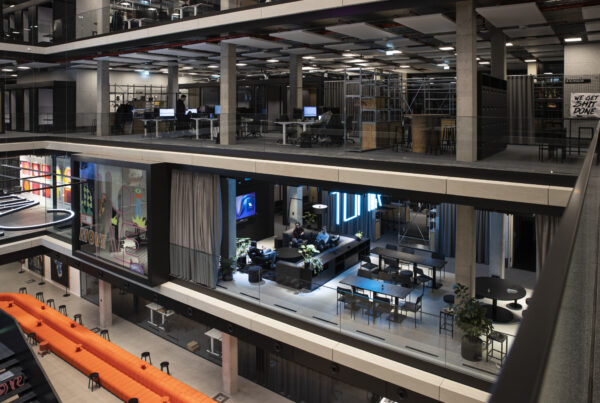
New things are being created here. Innovative learning space design for the “University of the Future” – at HTW Berlin, the University of Applied Sciences. A project report by OFFICEMEDIA.
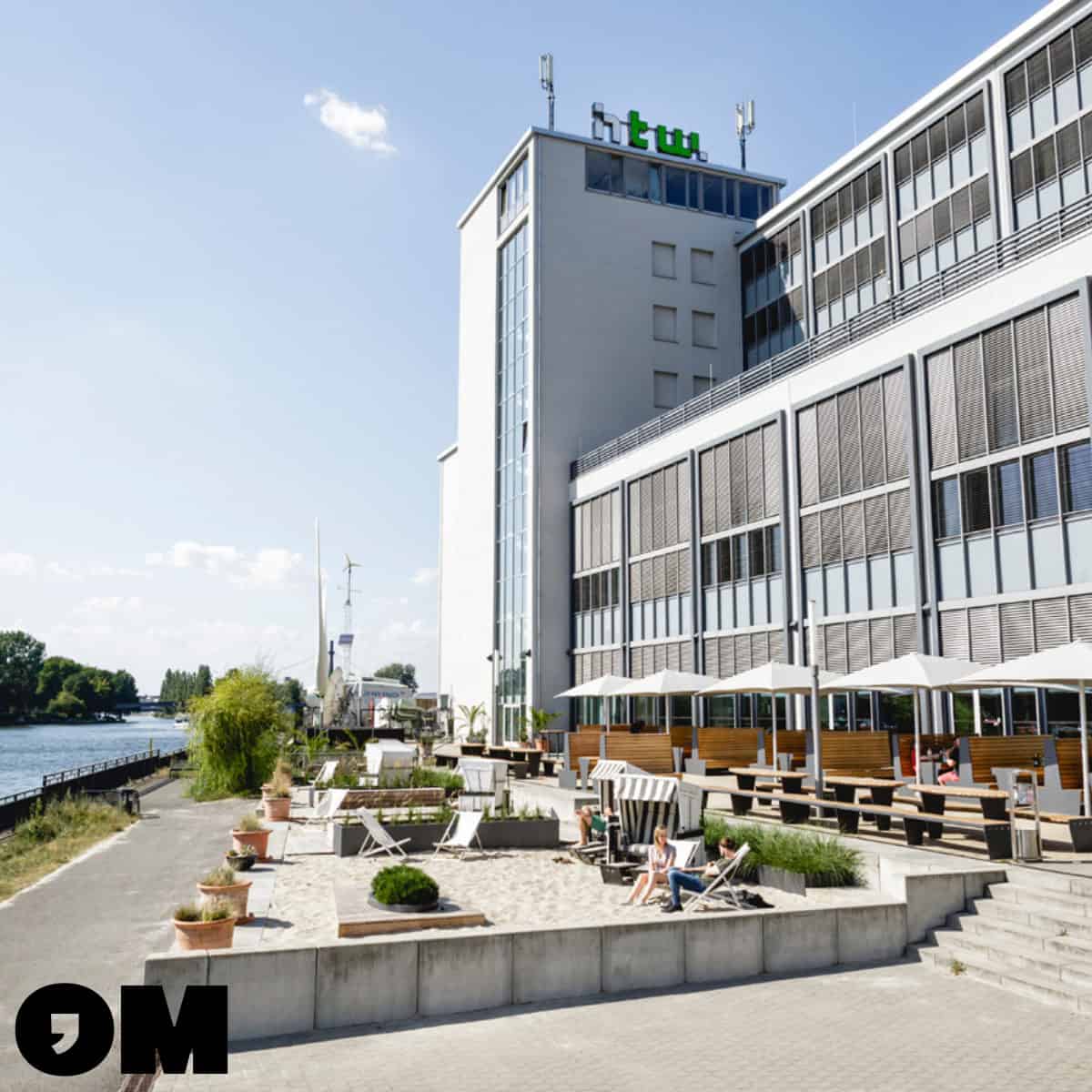
In response to increasing internationalization and the need for flexible learning space environments, the sub-project “Innovative Learning Space Design” 2021-2024 develops, implements and evaluates new learning spaces for the University of the Future at the University of Applied Sciences in Berlin.
The project: The innovative learning space design is implemented in the form of a real laboratory. In this context, various model rooms will be used as an experimental field until 2024. Internal and external users, stakeholders and cooperation partners work together here to design, discuss and evaluate the design.
In addition, the results and findings from this project will be presented together with internal and external stakeholders at congresses and conferences in the scientific community in the field of learning space design. They will also be communicated and published in the Communities of Practice, the Foundation Innovation in University Teaching.
This holistic approach enables broad collaboration and the exchange of knowledge and experience to develop innovative learning spaces and promote proven practices in higher education.
Holistic Design of Didactics, Organization, Space and Media Technology
This method enables a seamless linking and implementation of use cases and the student journey by integrating flexible room designs and networked hybrid media technologies for both present and virtual learning.
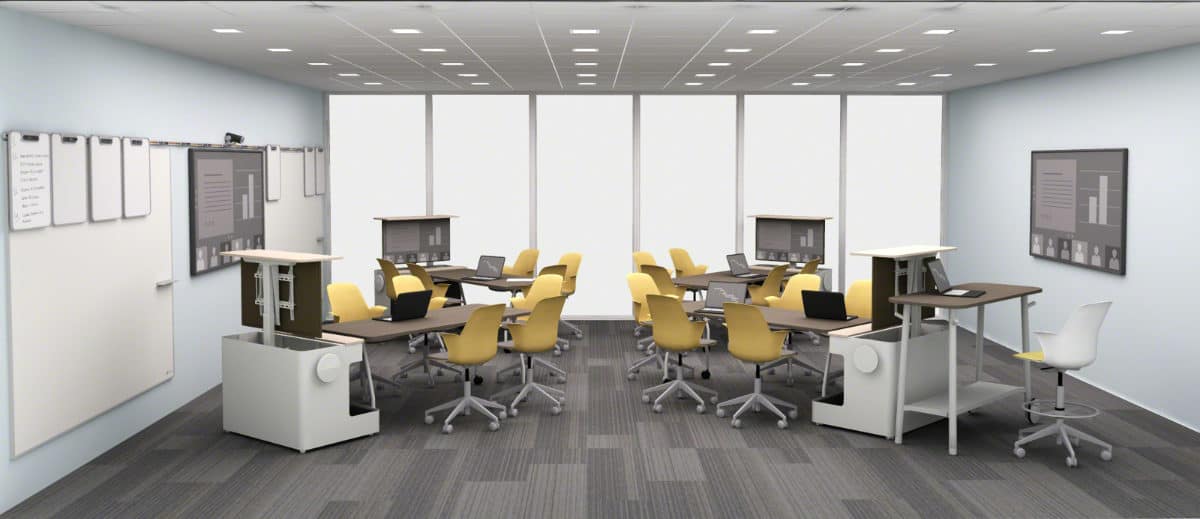
In the didactic area, the new media rooms support a variety of teaching and learning scenarios, including examination situations. Three central didactic scenarios can be implemented in all rooms:
- Input (analog and hybrid)
- Teamwork (analog and hybrid)
- Share (analog and hybrid)
Media Technology Supports Didactics, Organization and Space
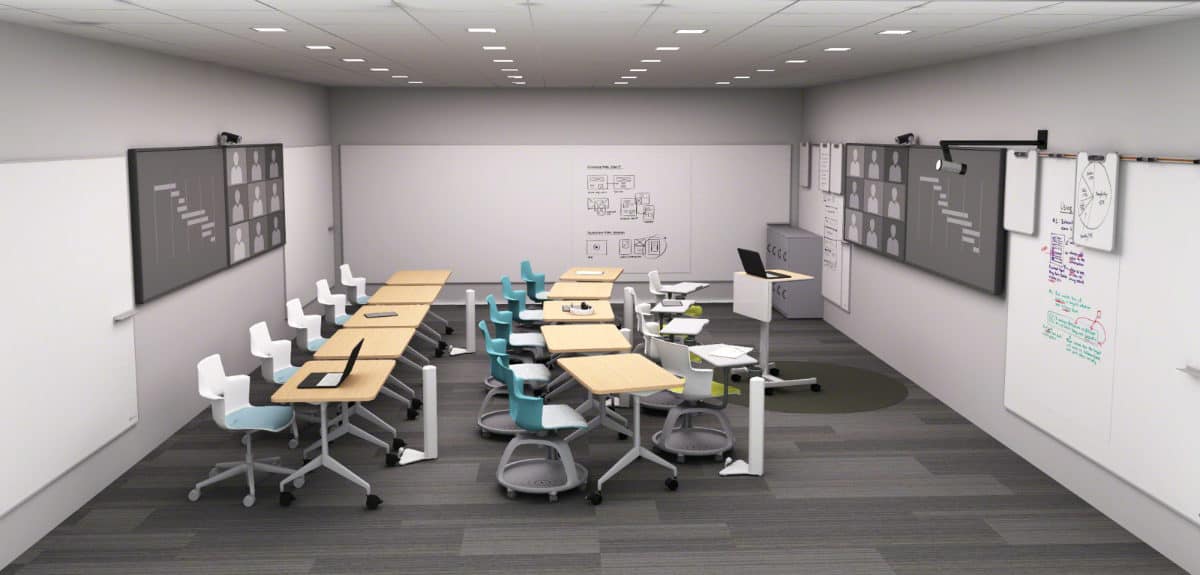
Student-to-Student Collaboration: In the physical environment, the signals from the room camera, whiteboard camera and room microphone are synchronized and automatically transmitted live to the virtual space. In order to convey a presence to all participants in the hybrid scenario, remote students are displayed on the table monitors. This allows all group members to discuss the work of their colleagues at eye level, add annotations and share content.
Online & Hybrid Classes: You can either share your screen wirelessly or join a Zoom or Teams meeting. Tutors, students, and professors have the flexibility to use Chromebooks, mobile phones, tablets, and laptops to view and share documents, videos, and more. This enables a BYOD model (“Bring-Your-Own-Device”) for convenient and versatile collaboration.
Virtual Tutoring: Teachers offer tutoring and are available for virtual tutoring sessions. Students participate from their location in interactive video sessions that support features such as white boarding and content sharing
Planning and practical tips from the officeMEDIA experts:
- Provide flexible furniture and mobile virtual displays so that people in the room can move freely and monitors displaying remote participants are not always the focus of the room.
- Support the use of shared and individual devices that make it easier for remote team members to identify people and read facial expressions.
- Choose lighting that can help people look and feel confident in the video.
- Evaluate everything that affects the acoustics: the size of the room, boundaries, materials, and the alignment of microphones and speakers. Everyone in the room and beyond needs to hear and be heard.
- Design a variety of intuitive, easy-to-navigate virtual and physical experiences.
- Enable simple and seamless transitions across multiple interfaces and displays.
- Design for a range of technology experiences that work with a variety of devices and software platforms.

The Results are Impressive
The implementation of networked and user-friendly media technologies has led to a significant increase in acceptance among both lecturers and students.
Cost savings in the rollout phase: By collecting knowledge of the individual learning space and didactic scenarios, there is a potential for savings in the implementation, i.e. when rolling out to the large number of learning spaces, in technologies with an investment of approximately 30%. The prerequisite for this is that the survey and questioning method is ideally networked with Persona and Students Journey.
OFFICEMEDIA has made it its mission to plan and shape the working world of the future. If you would like to know how technologies are changing our future, talk to our experts.